Clickslab Logo
QR Codes

Generate for any link, instantly.

Turn any URL into a scannable QR code in seconds. Track every scan with real-time analytics — no design skills needed.

Scan analytics

Want scan analytics & dynamic QR codes?

Create a free account

Free forever · No account needed · 800×800 px PNG

Analytics

Track every scan in real time.

See exactly when and where your QR codes are scanned — country, device, referrer, and more.
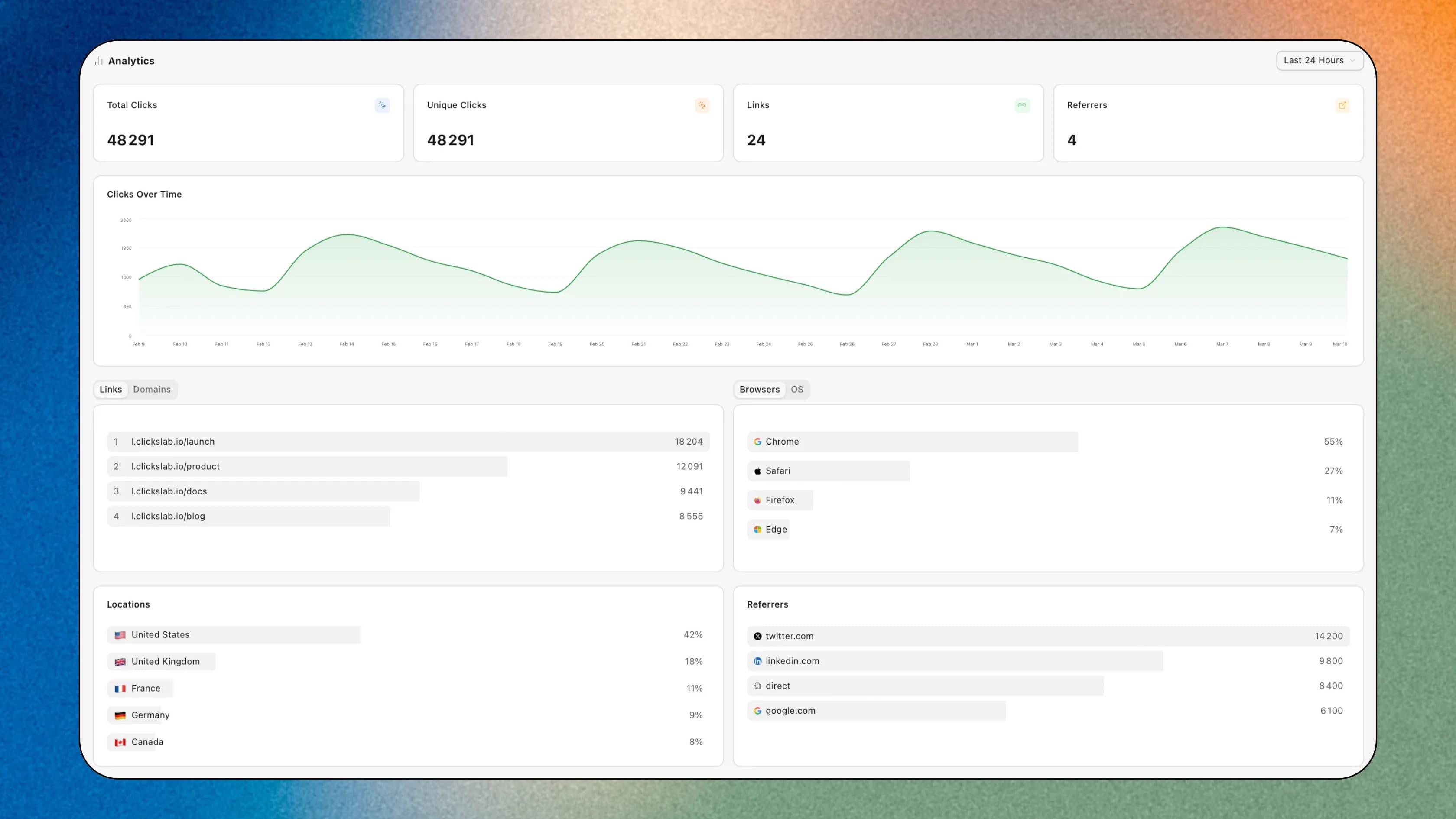
QR code analytics dashboard mockup
What Is a QR Code?

Connect the physical world to any digital destination.

A QR code is a scannable barcode that instantly opens any website, app, or file from a phone camera. Used on menus, business cards, packaging, and tickets worldwide.

Clickslab generates high-res QR codes for free. Every code is dynamic by default — change the destination after printing. Sign up to unlock scan analytics.

How It Works

How to create a QR code for a website URL

Three steps. Under a minute. No account required to get your PNG.

  1. 1

    Paste your URL

    Paste any URL into the field above — the QR preview generates in real time as you type.

  2. 2

    Preview your QR code instantly

    Your QR code appears immediately. Scan it to verify before downloading.

  3. 3

    Download or get analytics

    Click Download QR Code (PNG) to save an 800×800 PNG — no account required. Sign up free to unlock scan tracking and dynamic destinations.

Dynamic QR Codes

What is a dynamic QR code?

A dynamic QR code points to a short link, so you can change where it goes anytime — without reprinting. A static QR code bakes the URL permanently into the pattern and can never be updated.

FeatureDynamic (ClicksLab)Static
Scan analytics
Works with printed materials
Free to use
Editable from dashboard

Every Clickslab QR code is dynamic — print today, change the destination tomorrow. Dynamic codes track scans by location, device, and time. Static codes can never be updated.

Use Cases

Where to use your QR code

QR codes work anywhere you share a link — online or in print.

Business Card

Add your portfolio URL or LinkedIn

Resume / CV

Link to your portfolio or LinkedIn

Flyer

Drive traffic to your event page

Brochure

Share a product page or catalogue

Restaurant Menu

Link to your digital menu

Event Poster

Sell tickets directly from print

Product Packaging

Share manuals, tutorials, or reviews

Storefront Window

Drive foot traffic to your website

Why Clickslab?

The free QR code generator with analytics built in.

Most QR generators give you a PNG. Clickslab gives you a PNG plus scan tracking, dynamic destinations, and a full link management dashboard.

1

Unlimited QR codes for free — no account needed. Sign up to unlock analytics and dynamic editing.

2

Every QR code is dynamic by default. Change the destination anytime — no reprinting needed.

3

Real-time scan analytics: location, device, referrer, and scan count for every QR code.

4

QR codes, URL shortening, and a bio page builder — all in one free account.

Everything you need

One platform to shorten, share, and track all your links.

Short Links

Custom slugs, real-time click analytics, and branded short links.

🚀

r.clickslab.io/launch

mysite.com/blog/big-announcement-2026

2s ago

QR Codes

Dynamic QR codes you can update anytime — even after printing.
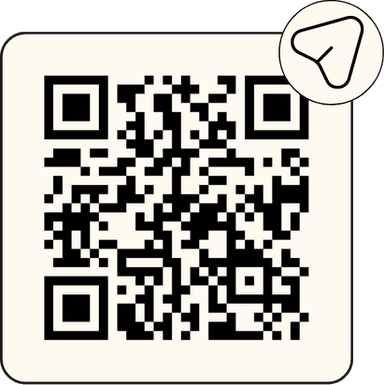
QR Code

Link in Bio

Drag-and-drop blocks, pastel themes, and per-block analytics.
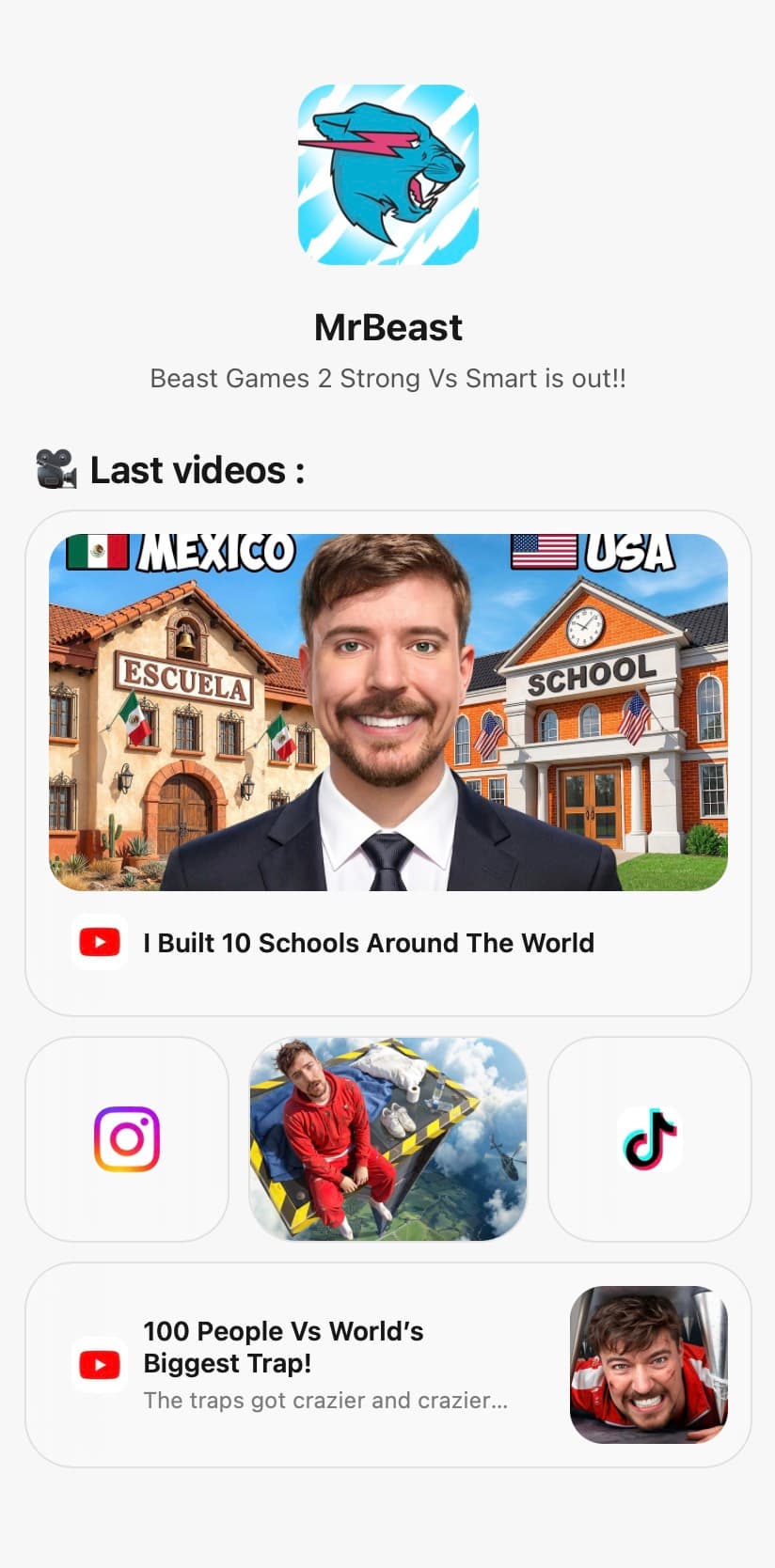
Clickslab link in bio page on mobile

Bento Pages

Separate mobile and desktop layouts — the free Linktree alternative.
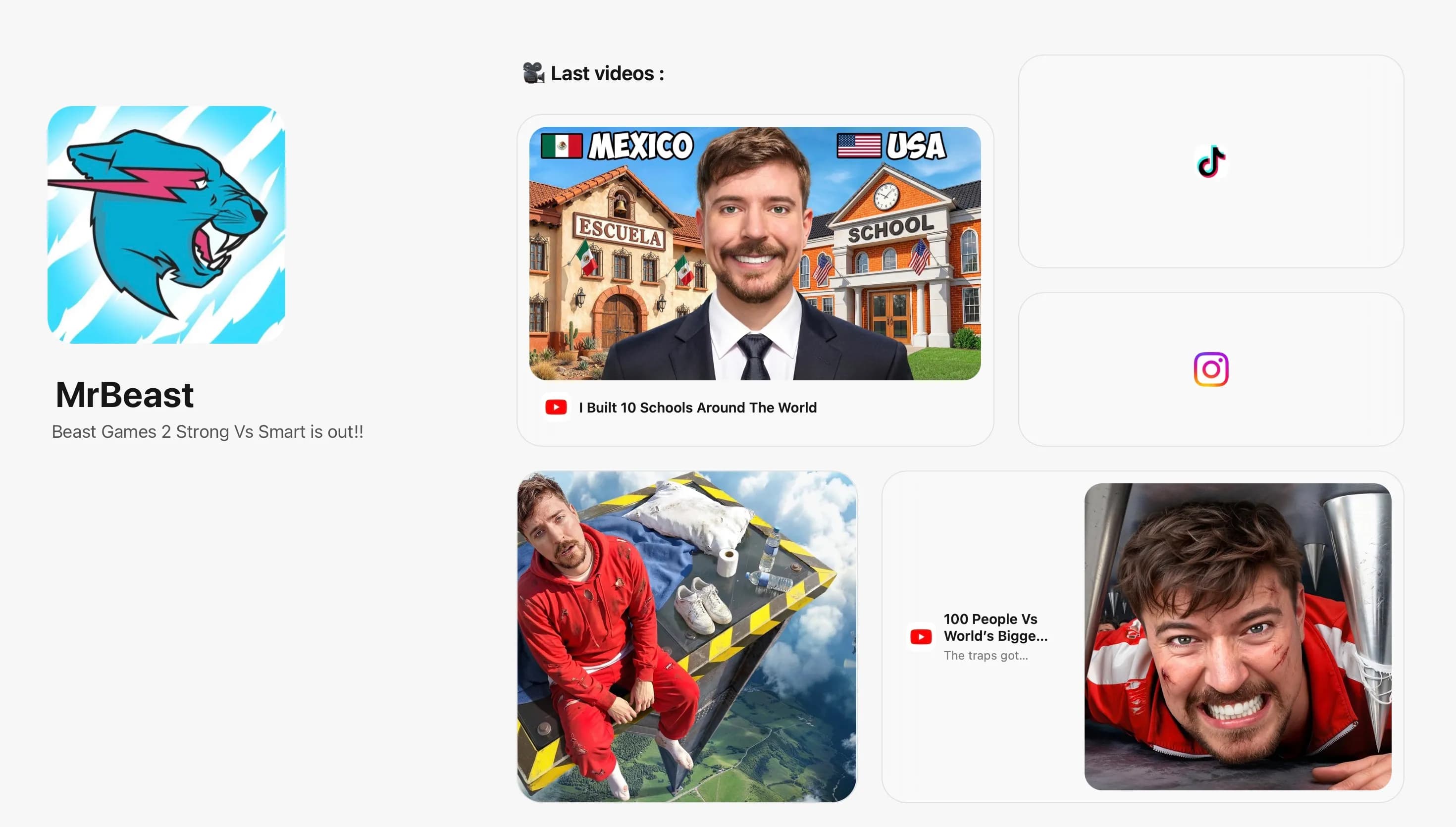
Bento page mockup

Use ClicksLab for Free !

Get started with our free plan and experience the power of ClicksLab for all your link management needs.

FREE PLAN

Free

$0/mo

No credit card required

  • 1 user
  • 50 new links/mo
  • 5k tracked clicks/mo
  • Advanced analytics
  • Click tracking by location & device
  • QR code generation for all links
  • 30 days retention
  • Link in Bio / Bento page
Custom

Everything in Free, plus:

  • Custom users
  • Custom new links/mo
  • Unlimited tracked clicks/mo
  • Custom days retention

QR Code — Frequently Asked Questions

These are the most commonly asked questions about ClicksLab.

QR Code Questions

How do I create a QR code for a URL with ClicksLab?
Creating a QR code for a URL with ClicksLab is automatic — every short link you create comes with a QR code generated instantly. Open any link in your dashboard and you will see a downloadable QR code ready to use in print or digital materials. No separate QR code generator is needed.
Is ClicksLab a free QR code generator?
Yes, ClicksLab is a completely free QR code generator. All QR codes are included with your short links at no cost — there is no paid upgrade required to generate, download, or use them. You can create as many QR codes as you need without hitting a separate QR code limit.
What is a dynamic QR code and does ClicksLab support it?
A dynamic QR code is one where the destination URL can be changed after printing, because the QR code points to a short link rather than directly to the final URL. ClicksLab supports dynamic QR codes — since every QR code is linked to a ClicksLab short link, you can update the destination without reprinting the QR code.
Can I track how many times my QR code is scanned?
Yes. Because ClicksLab QR codes are powered by short links, every scan is counted as a click and recorded in your analytics dashboard. You can see how many times your QR code has been scanned, which devices were used, and where in the world the scans came from.
Can I use ClicksLab QR codes for marketing materials?
Absolutely. ClicksLab QR codes are high-resolution and suitable for print marketing materials including business cards, flyers, posters, product packaging, restaurant menus, and event banners. Because they are dynamic, you can update the destination URL after printing without creating a new QR code.
Do ClicksLab QR codes expire?
No, ClicksLab QR codes do not expire. As long as the underlying short link is active, the QR code will continue to redirect correctly. You remain in full control — you can delete the link from your dashboard at any time if you want to deactivate the QR code.
What format are ClicksLab QR codes downloaded in?
ClicksLab QR codes are available to download in high-resolution PNG format, which is suitable for both digital use and print. PNG files work across all design tools including Canva, Adobe Illustrator, Photoshop, and Google Slides, making it easy to drop your QR code into any existing design.
Are free QR codes safe to use?
Yes. ClicksLab QR codes are safe to use. All QR codes redirect through our platform, and any destination URL is set by you. ClicksLab does not modify or intercept your destination URLs and does not use your QR code data for advertising. As with any QR code, you should only scan codes from sources you trust.
What is the difference between a static and a dynamic QR code?
A static QR code encodes the destination URL directly into the code pattern — once printed, it cannot be changed. A dynamic QR code points to a short link that redirects to your destination, so you can update where it goes at any time without reprinting. Dynamic QR codes also support scan analytics. ClicksLab generates dynamic QR codes by default.
Do I need to create an account to generate a QR code?
No. You can generate and download a QR code on ClicksLab without creating an account — simply paste your URL into the generator and download the PNG. Creating a free account unlocks scan analytics, dynamic QR codes (editable destination), and the ability to manage all your QR codes from one dashboard.
Can I use a QR code on a business card or poster?
Yes. ClicksLab QR codes are exported as high-resolution 800×800 pixel PNG files, suitable for business cards, posters, flyers, product packaging, and any other print material. Because ClicksLab QR codes are dynamic, you can update the destination URL after printing without reprinting your materials.
Free QR Code Generator — No Sign Up Required | Clickslab | Clickslab